How to make a touchless lamp using Arduino Plug and Make Kit
How to make a touchless lamp using Arduino Plug and Make KitDate of publication: 16-12-2025 Update date: 27-02-2026 🕒 4 min read
The touchless lamp is a fun and practical project that lets you control a light by simply waving your hand – no switches or buttons needed!
1. Introduction
Using the Arduino Plug and Make Kit, you will learn how to use a distance sensor to detect motion and adjust the brightness of a LED lamp. This project is great for beginners and demonstrates the power of touch-free technology in everyday applications.
2. What you need
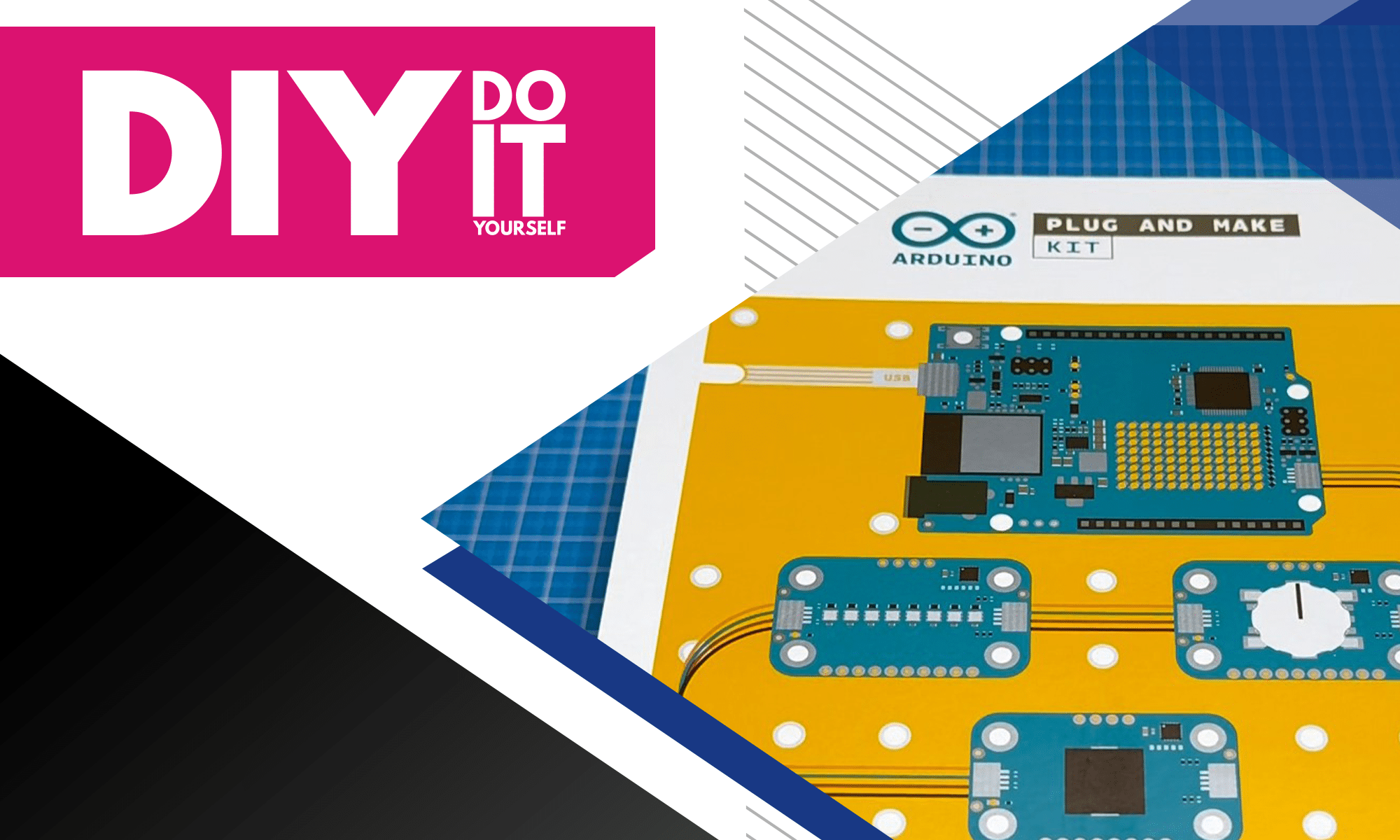
For this project, you’ll be using components from the Arduino Plug and Make Kit:
These components will allow you to build a modern, touch-free lighting system that responds to your hand gestures.
3. How it works
The Modulino distance sensor continuously measures how far your hand is from the lamp.
When you move your hand closer, the sensor detects the change in distance and sends this data to the Arduino UNO R4 WiFi. The Arduino processes the information and adjusts the brightness of the Modulino Pixels accordingly.
If your hand is very close, the lamp will become brighter. If you move your hand away, the brightness will gradually decrease.
Additionally, you can program the lamp to turn on or off when your hand remains in a specific position for a short period. This allows for smooth, hands-free interaction, making it an intuitive and practical lighting solution.

4. Connecting the components
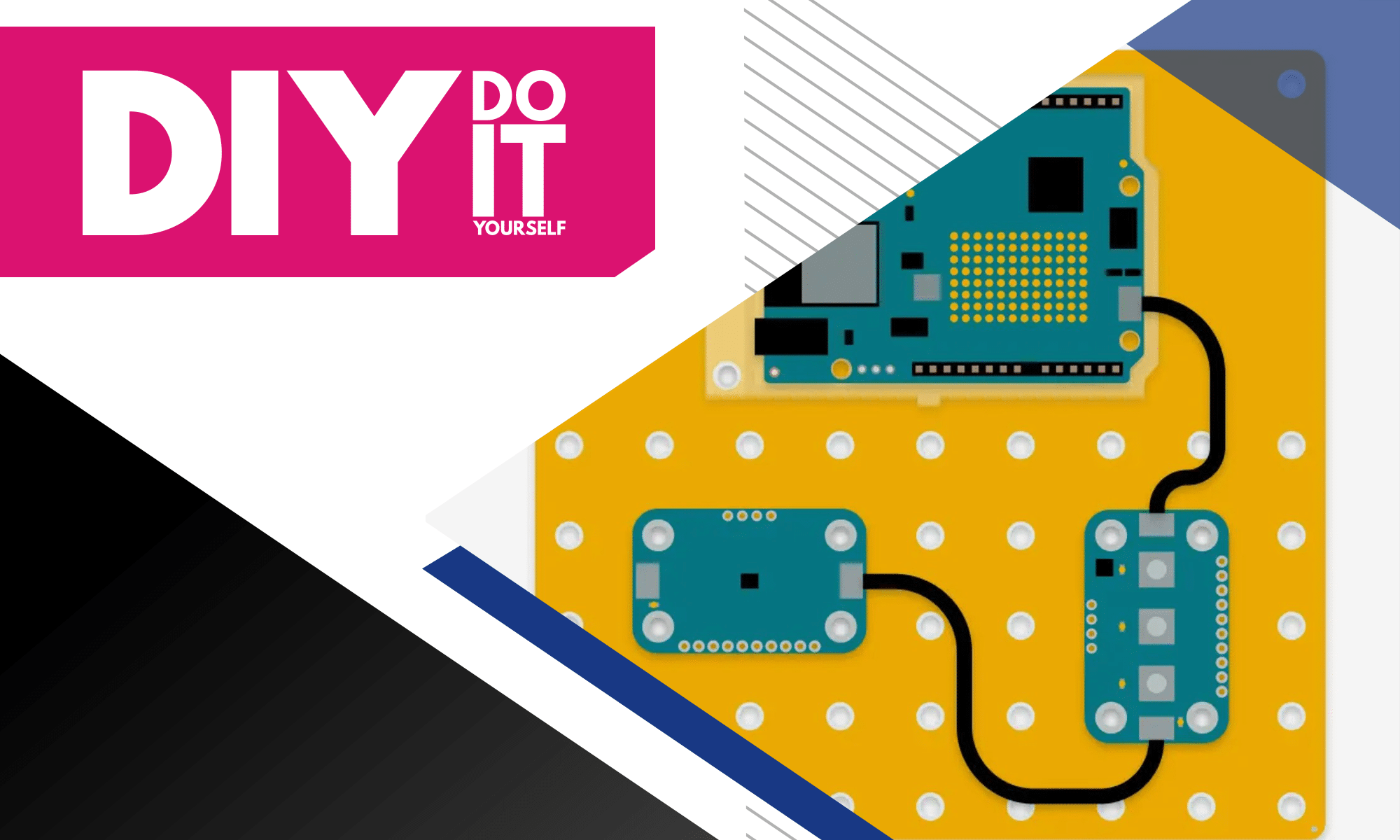
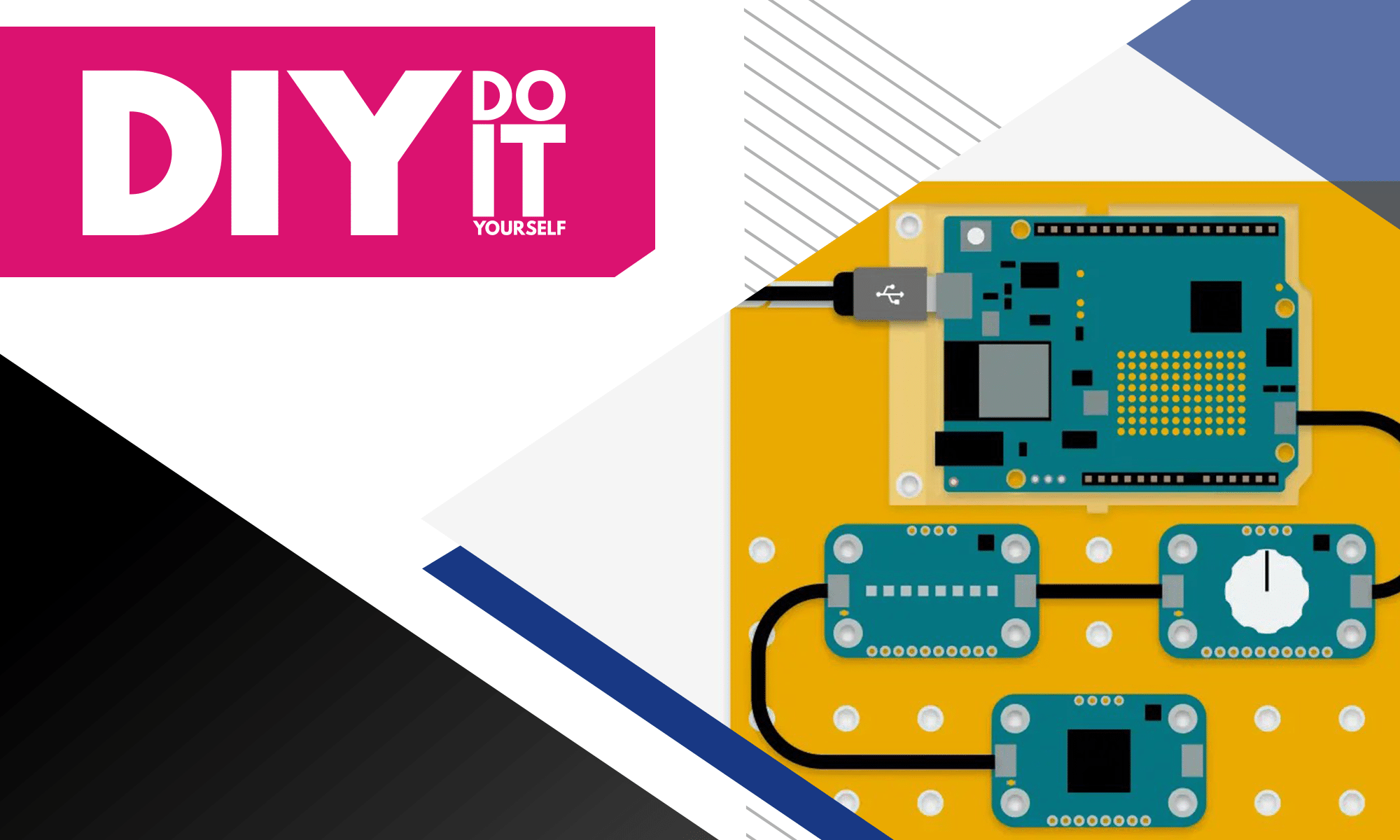
Connecting the components of the touchless lamp is straightforward, thanks to the plug-and-play design of the Arduino Plug and Make Kit.
Start by connecting the Modulino distance sensor to the Arduino UNO R4 WiFi.


This sensor has a designated port that plugs directly into the board, eliminating the need for complex wiring.
Next, connect the Modulino Pixels, which act as the lamp. These RGB LEDs also have a matching connector that easily attaches to the Arduino.

Once all components are in place, power the Arduino via USB, and you are ready to upload the code.

Since the kit uses modular components, there’s no need for additional resistors or soldering. Everything fits together seamlessly, making this project ideal for beginners.

Here is the link to a detailed guide:
https://courses.arduino.cc/plugandmake/lessons/project-touchless-lamp/
After setting it up, you can see that the lamp will shine brighter, the further away your hand is.
The closer your hand is to the LED, the less bright it will shine.


5. Conclusion
This project shows how to build a touchless lamp using the Arduino Plug and Make Kit. By using a distance sensor, the lamp can detect hand movements and adjust its brightness without any physical contact.
It is a simple and useful project that introduces sensor-based interactions with Arduino. You can improve it by adding color effects, gesture-based patterns, or even voice control.
This is a great starting point for learning and experimenting with hands-free technology.
Transfer Multisort Elektronik (TME) is one of the world’s largest global distributors of electronic components, electrotechnical parts, workshop equipment, and industrial automation. The catalog includes over 1,300,000 products from 1,300 leading manufacturers. TME’s modern logistics centers in Łódź and Rzgów (Poland), with a combined area of over 40,000 m², ship nearly 6,000 packages daily to customers in more than 150 countries.
TME also invests in the development of knowledge and skills of young engineers and electronics enthusiasts through the TME Education project, and supports the tech community by organizing the TechMasterEvent series, promoting innovation and experience exchange.